Truenas Scale - The Heart of my Homelab
Scott
6/5/20252 min read
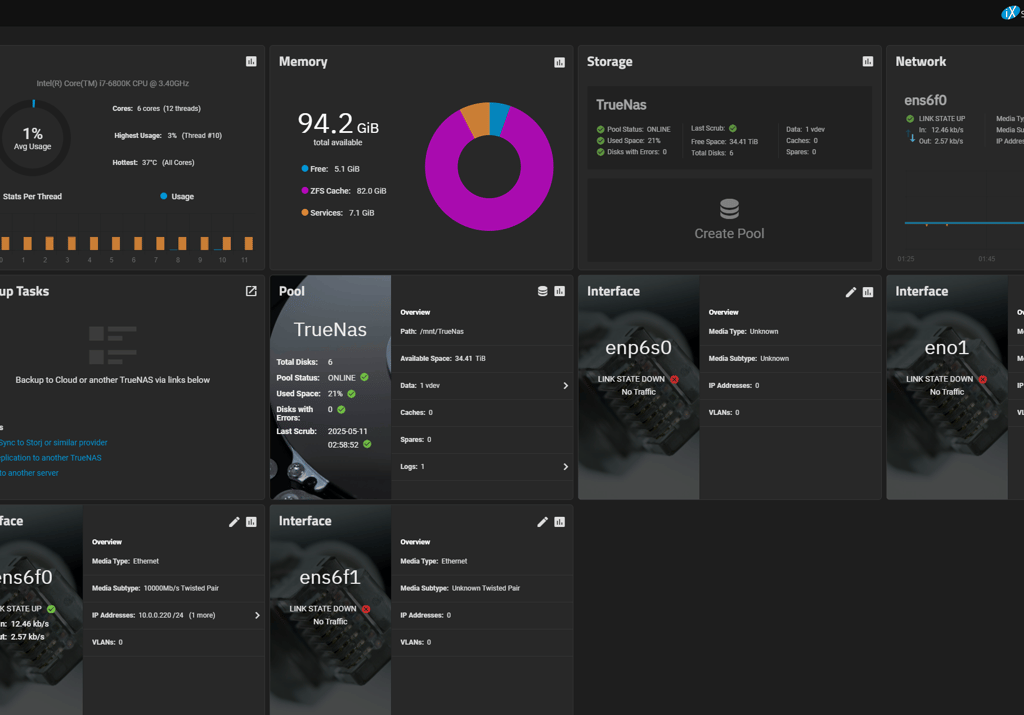
The server boasts a 43-terabyte ZFS storage pool, with 9 terabytes currently in use. Thanks to a direct 10-gigabit Ethernet link to my main gaming computer, transferring large files like video projects, disk images, or VM snapshots is incredibly fast and efficient. That speed turns the NAS from a passive archive into an active part of my daily workflow, whether I'm spinning up containers or moving around multi-gig files in seconds.
While I used to run MineOS to host a Minecraft server for my kids, that container has since been retired — the kids are off at college now. Still, that project was one of the most rewarding parts of this journey, teaching me the ins and outs of container management while giving my family a fun shared experience. Now, my Docker setup focuses more on services like Plex, which houses all of our household media, from movies and music to home videos. I’ve also digitized our family photo albums and stored them on the NAS — preserving them and making them easy to share with relatives.
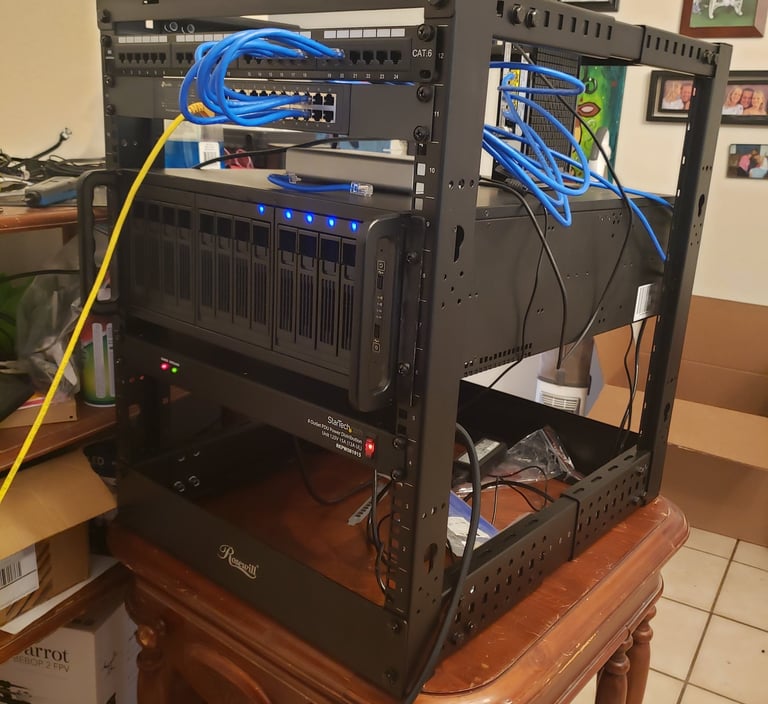
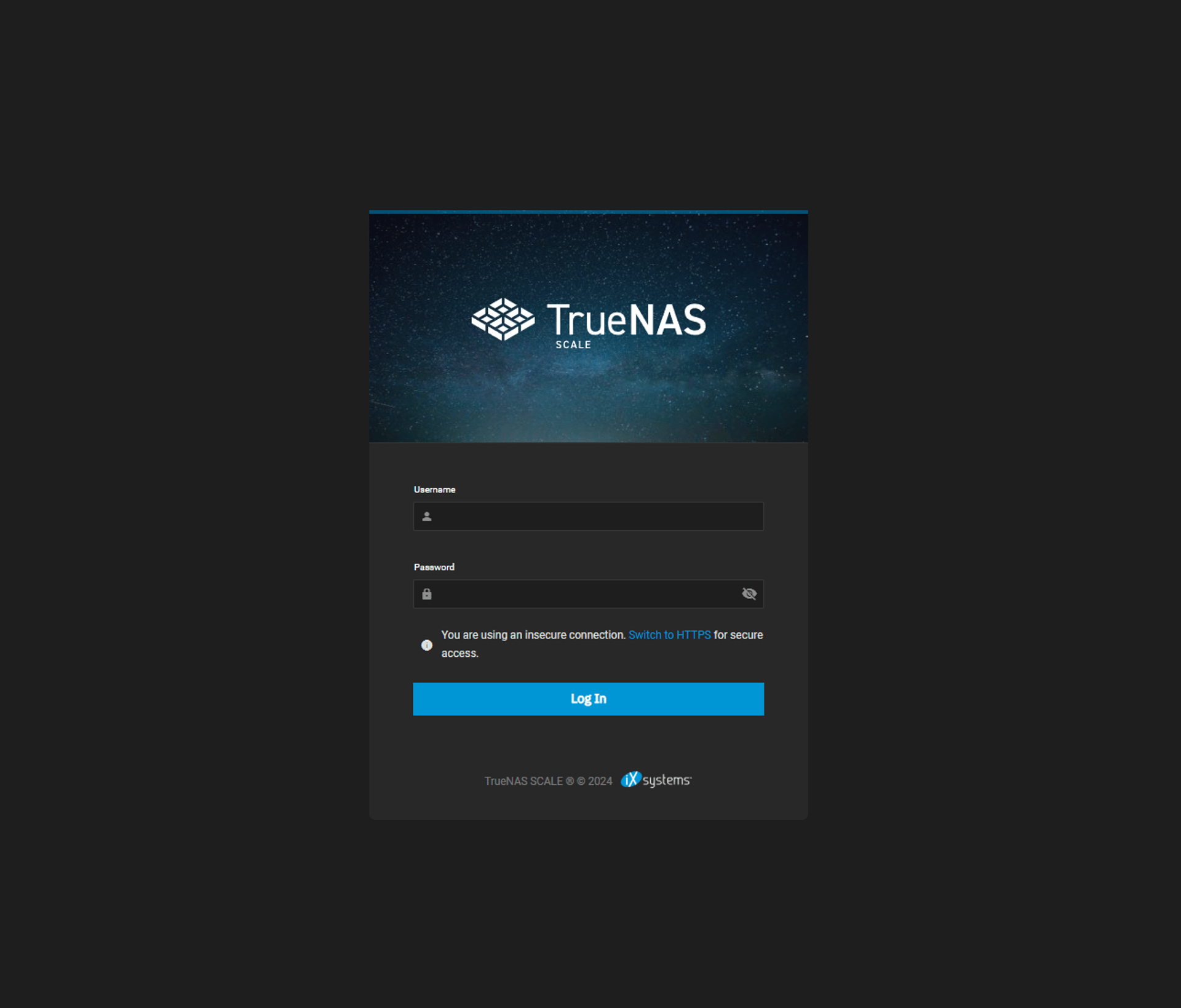
At the center of my ever-evolving homelab sits a machine that began its life as a gaming PC and has since transformed into a powerful TrueNAS Scale server. It's become the heart of my digital infrastructure and the foundation of my self-guided education in networking, storage, and systems administration. With it, I’ve taught myself how to manage Docker containers, run virtual machines, configure network storage, and maintain headless systems — all skills that are as rewarding as they are practical.